Free apps that keep time for a practice while you learn it. Use one until the practice feels familiar, then carry on without it.
Forrest's app
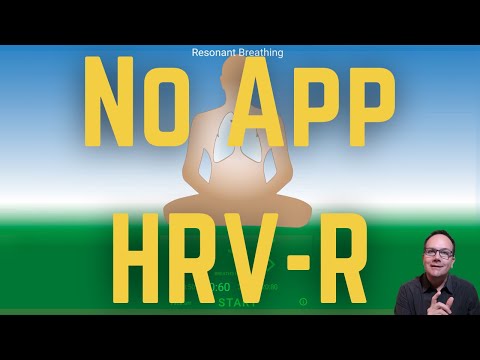
Resonant Breathing
His own app for HRV resonant breathing. Pick the breath rate that feels most comfortable, then breathe in and out as a bell or a flute marks each turn.
Why resonance comes first: veteran meditators breathe at half a beginner's rate, and resonance takes a newcomer straight there.
Made by students, with Forrest's consent
Three movements, three apps
Forrest boils the whole Kriya path down to three movements: the body sinking into stillness, the heart opening into bliss, and awareness expanding into the right brain. Each of these web apps trains one of them, in that order.
Paced breathing for resonance, from seven breaths a minute down to one, with no pauses and a longer outbreath. Stretch starts at an easy pace and slows you gradually; Navi Kriya counts the OMs through each round, front and back.
Add your own photos or videos of babies, puppies or kittens and start a session. Press and hold while the feeling lasts, let go when it fades, then look again. Your pictures stay on your phone.
Holding the feeling for five minutes, then carrying it over to a picture of an Ishta Devata.
Expansion
Hakalau
A still dot holds your gaze while a ring widens past the edges of the screen, drawing your eyes out into peripheral vision. Set the ring's rhythm to your breath; with headphones, add the ocean, birds and wind.
Why it is a cornerstone on the way to the non-dual state.
Learn it, then let it go
Every app here is a set of training wheels. Use it to learn how a practice feels, then practice by feel, without it. For resonance the check is the Four Proofs: if they show up, it worked. When unsure, go back to the app for a while.